Quick Start
The fastest way to try CppModel is to export a ready-to-run project from our playground, Simtroller. There is nothing to install beforehand: the exported project includes the CppModel library, the model code and a CMake build.
1. Pick a model
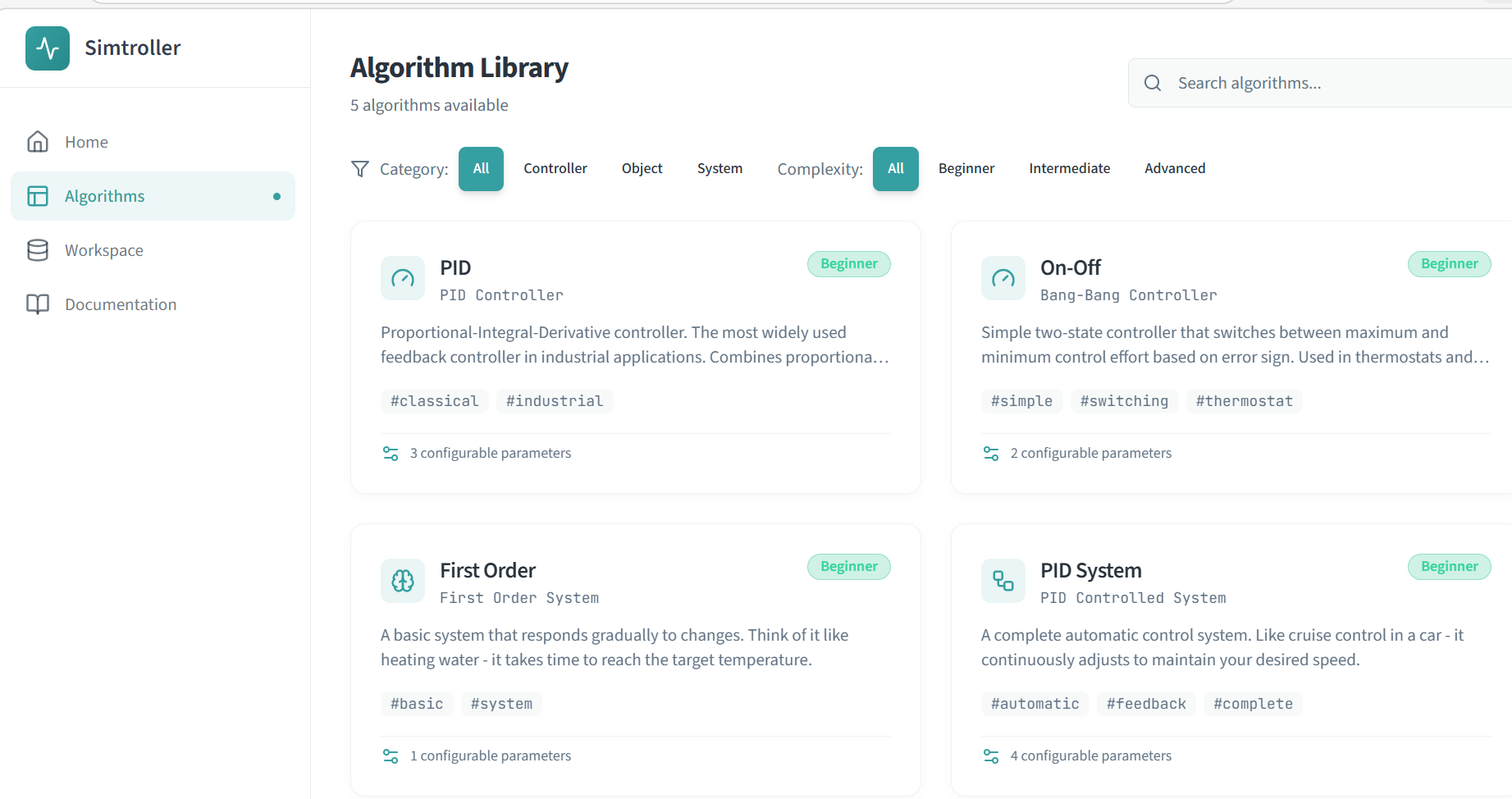
Open the algorithms page in the playground and select a model.
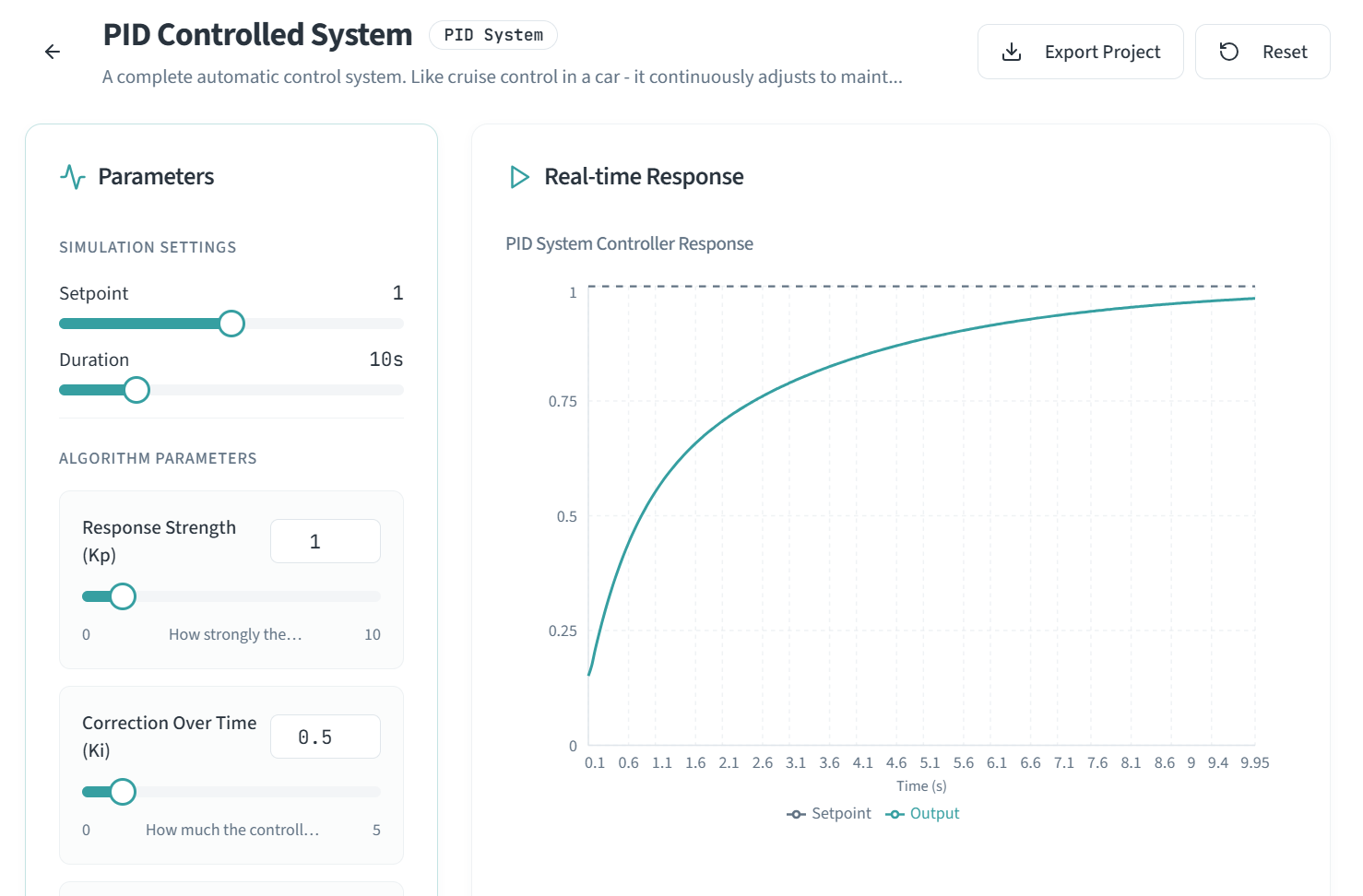
The model page is an interactive, in-browser preview of what the CppModel workspace shows. Adjust the parameters and watch how the model responds.
2. Export the project
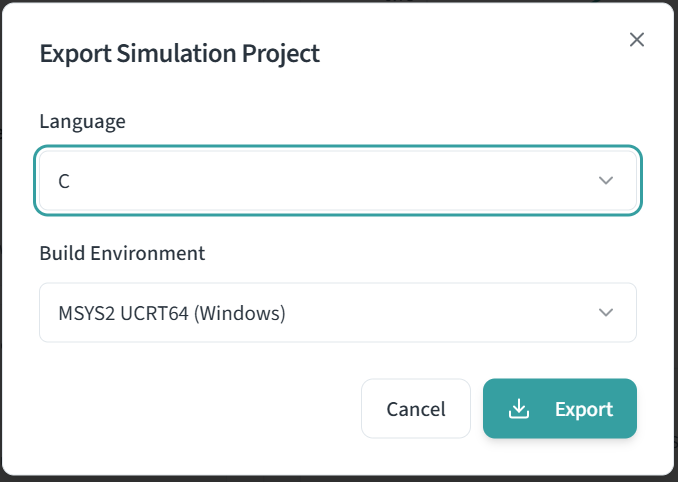
Click Export Project and choose a C or C++ simulation project for Windows or Linux. The download contains:
- the model code,
- the simulation code that runs it,
- the CppModel library for the selected platform,
- a
CMakeLists.txtfile.
3. Build and run
Open the project in your IDE. This guide uses Visual Studio Code with the CMake Tools extension and the MSYS2 UCRT64 toolchain on Windows. Any CMake-capable IDE or the command line works too.
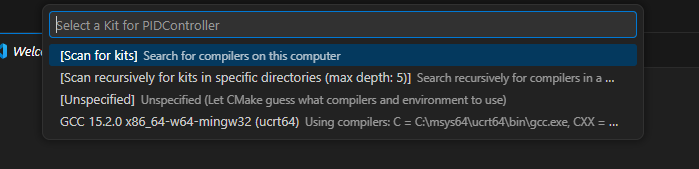
When you open the project, Visual Studio Code asks you to select a CMake kit. Select the MSYS2 UCRT64 kit.
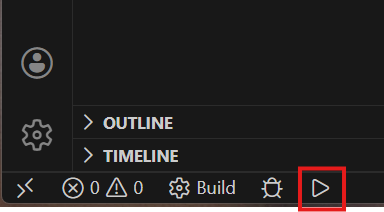
Click the Run button in the status bar at the bottom of the window to build and run the simulation.
4. See the results
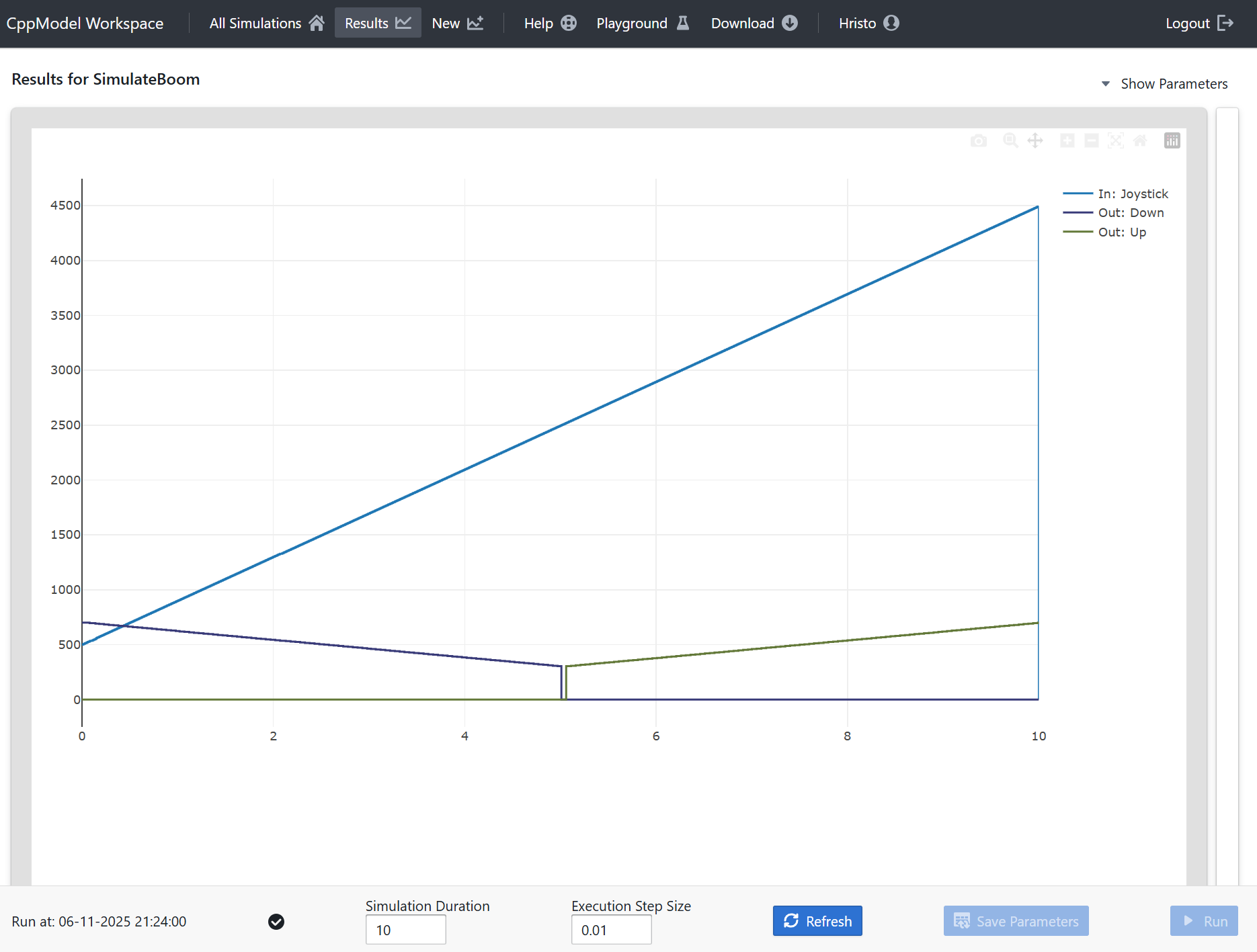
The first time you run the simulation, the terminal shows a link to the CppModel login page. If you are already logged in, it shows a link to the workspace instead. Click the link to open the results in your browser.

You can also find the results in the workspace: go to My Simulations and select the simulation with the same name as your project.

The simulation view shows the model parameters and the recorded inputs and outputs over time. After each new run, click Refresh to load the latest results.
Next steps
Change the code, run the simulation again and compare the results. To learn more:
- Overview: how the library and the workspace work together.
- Create Simulation: write a simulation for your own code and add verification.
- Claude Code Plugin: let Claude Code bring your existing controller code under simulation.